

Description
Download Alarm Clock Xtreme Alarm Reminders Timer Free – alarm clock, reminders, timer, Android, free, utility, PC software, desktop application
Overview
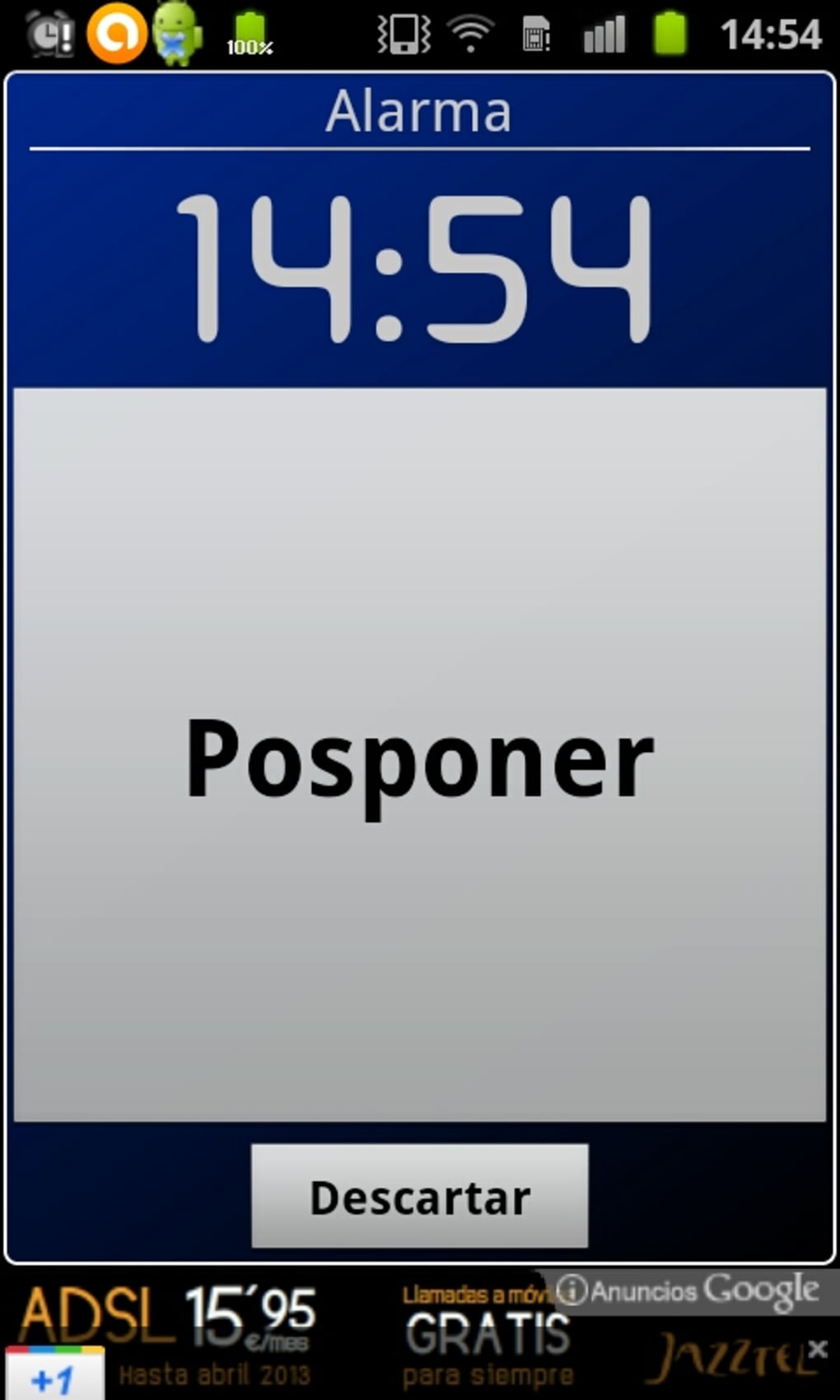
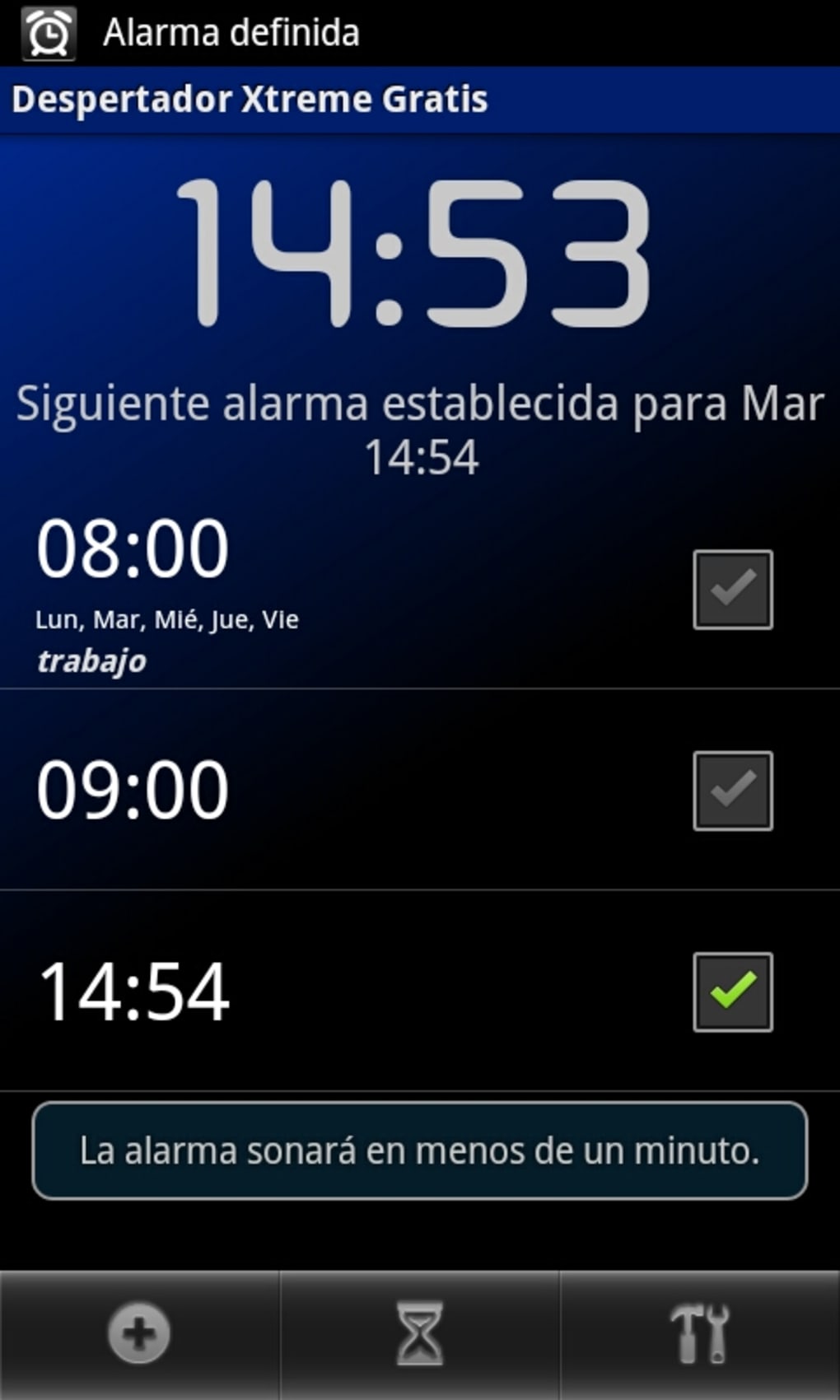
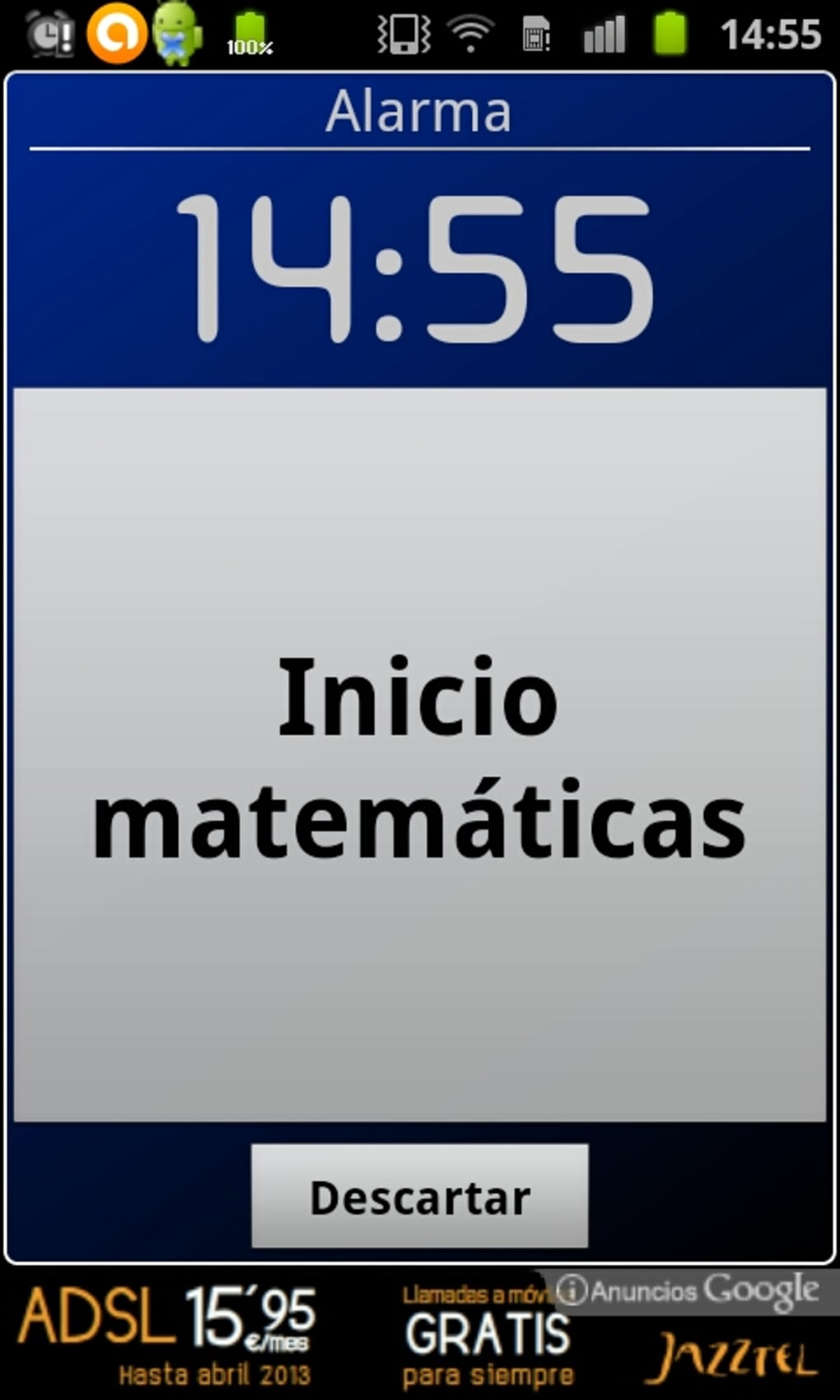
Alarm Clock Xtreme Alarm Reminders Timer Free is a dedicated alarm and reminder application designed for Android devices. The software aims to help users stay on schedule by providing timely alerts for important events, appointments, or daily routines. It is intended for individuals seeking a reliable, customizable alarm solution to manage personal or professional tasks. The app supports setting custom alarm tones, notification sounds, and event-specific reminders, enabling users to tailor alerts to their preferences. It is particularly suited for users who rely on their mobile devices to manage time-sensitive activities, such as medication schedules, work deadlines, or social commitments. The developer, Angle Labs, has positioned the app as a free, ad-free tool, emphasizing accessibility and uninterrupted user experience. Real-world usage scenarios include waking up on time, scheduling recurring reminders for household chores, or managing health-related routines. While the app is marketed for mobile use, no desktop or cross-platform functionality has been confirmed. The developer did not provide additional details about its integration with other devices or cloud synchronization.
Key Features & Capabilities
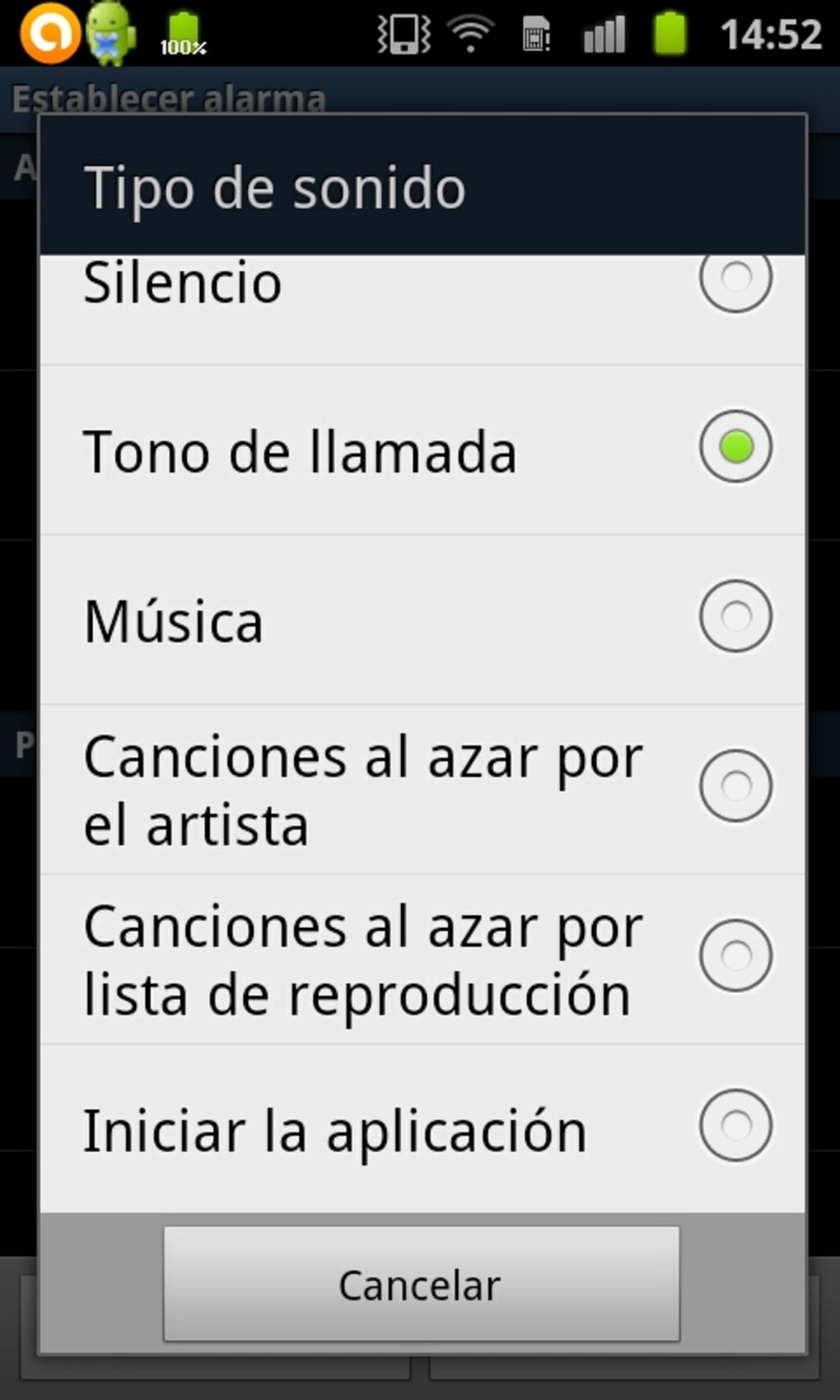
- Custom Alarm Tones – Users can select or upload personalized ringtones for alarms, allowing for distinct audio cues based on the event type.
- Event-Specific Reminders – The app supports setting unique notifications for individual events, such as medication, calls, or travel plans.
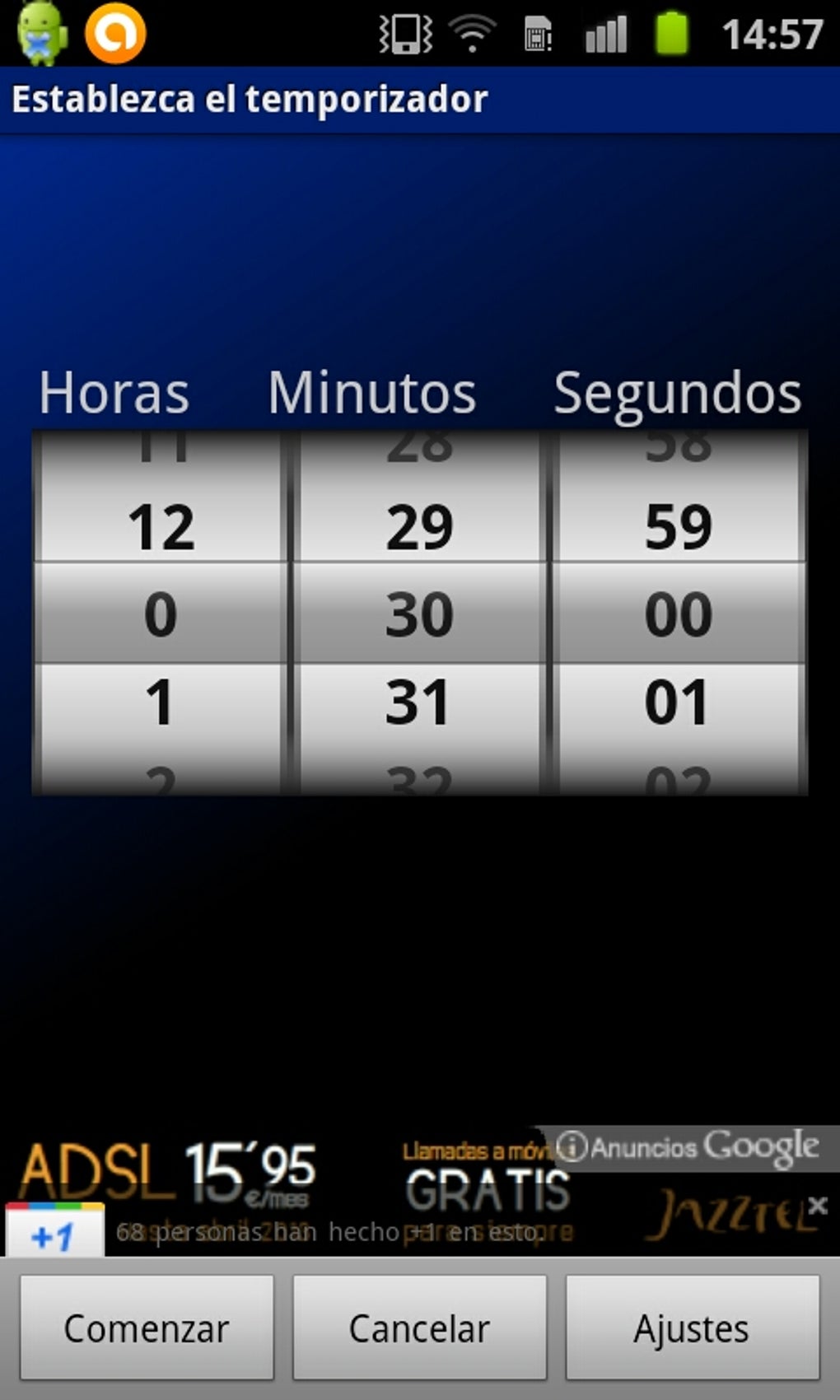
- Timer Functionality – A built-in timer enables countdowns for tasks like cooking, workouts, or study sessions.
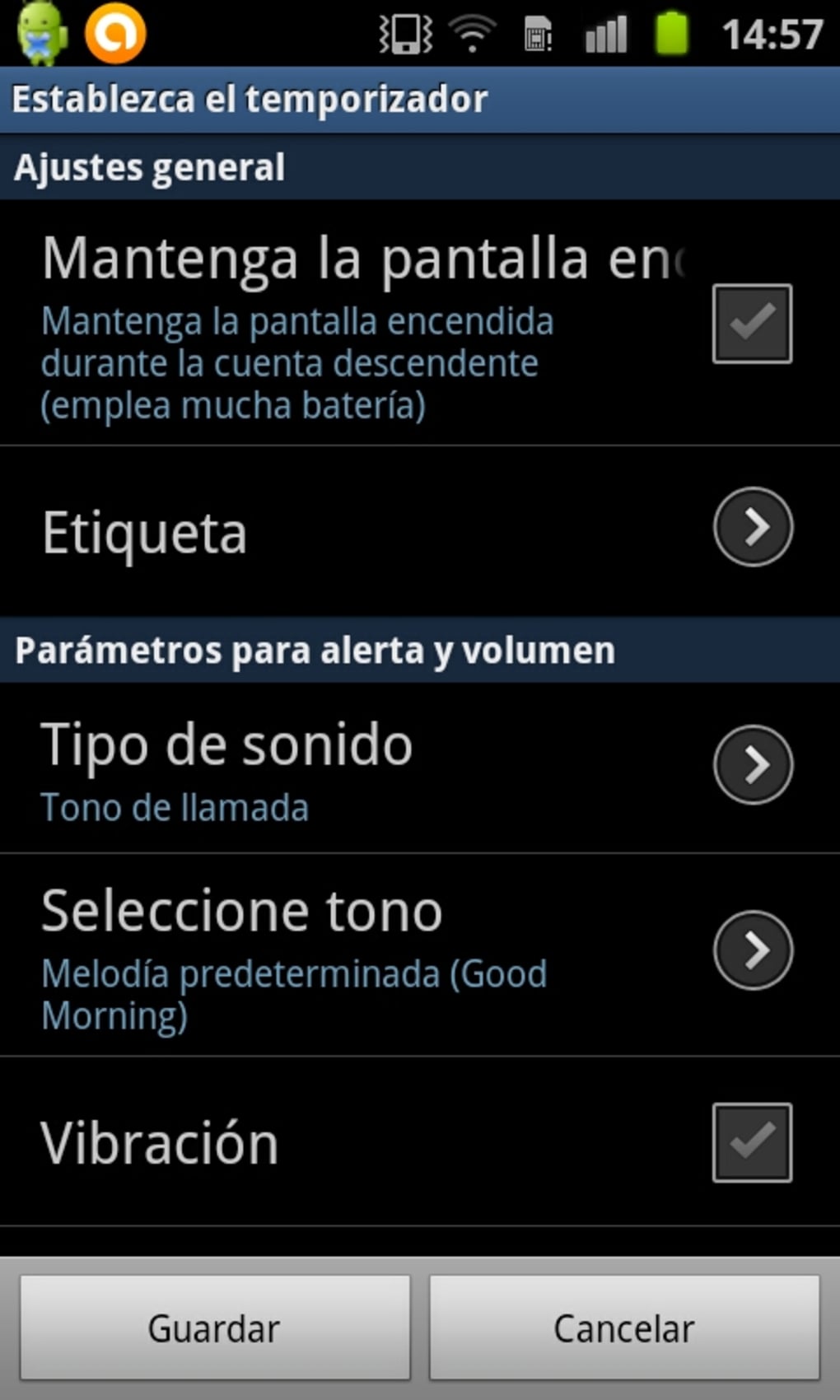
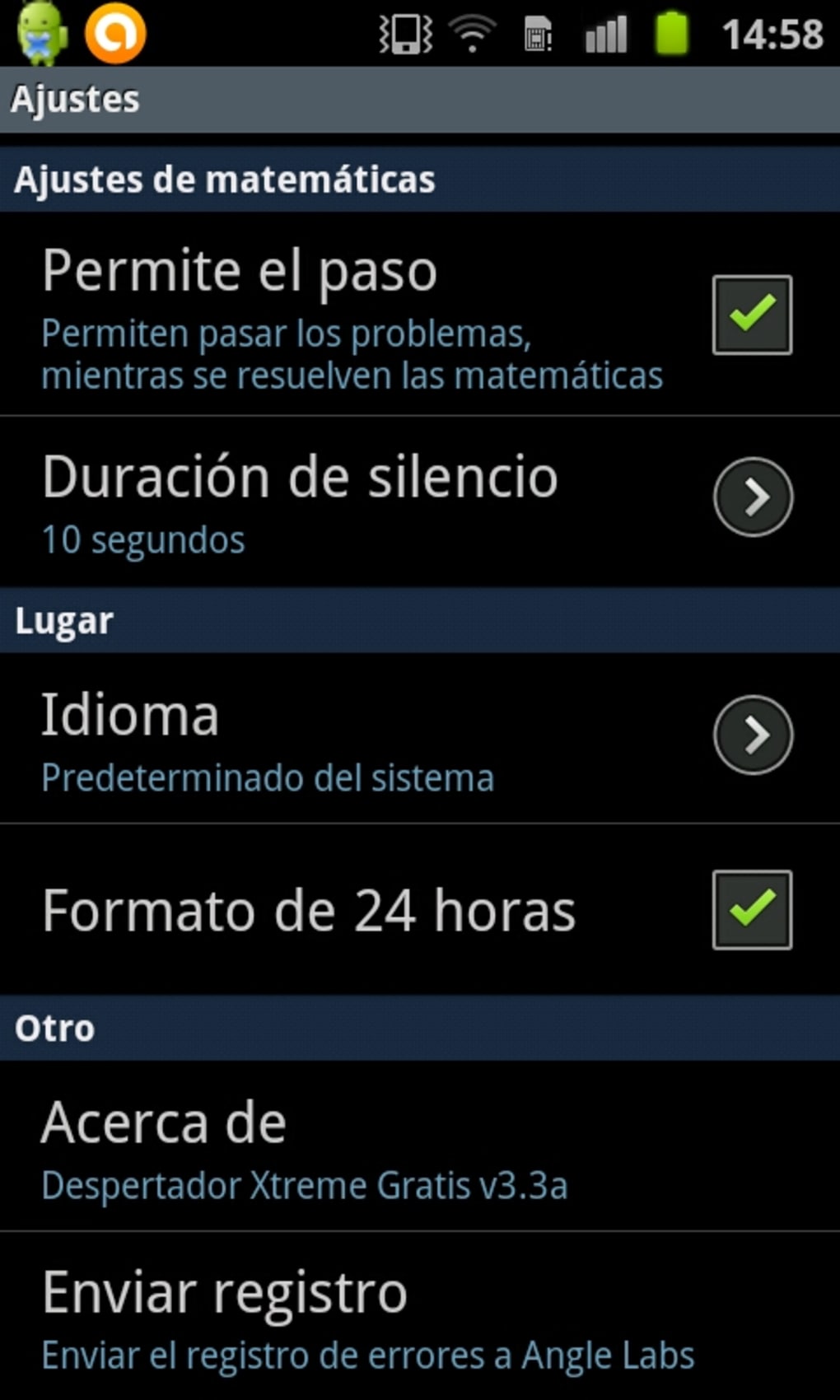
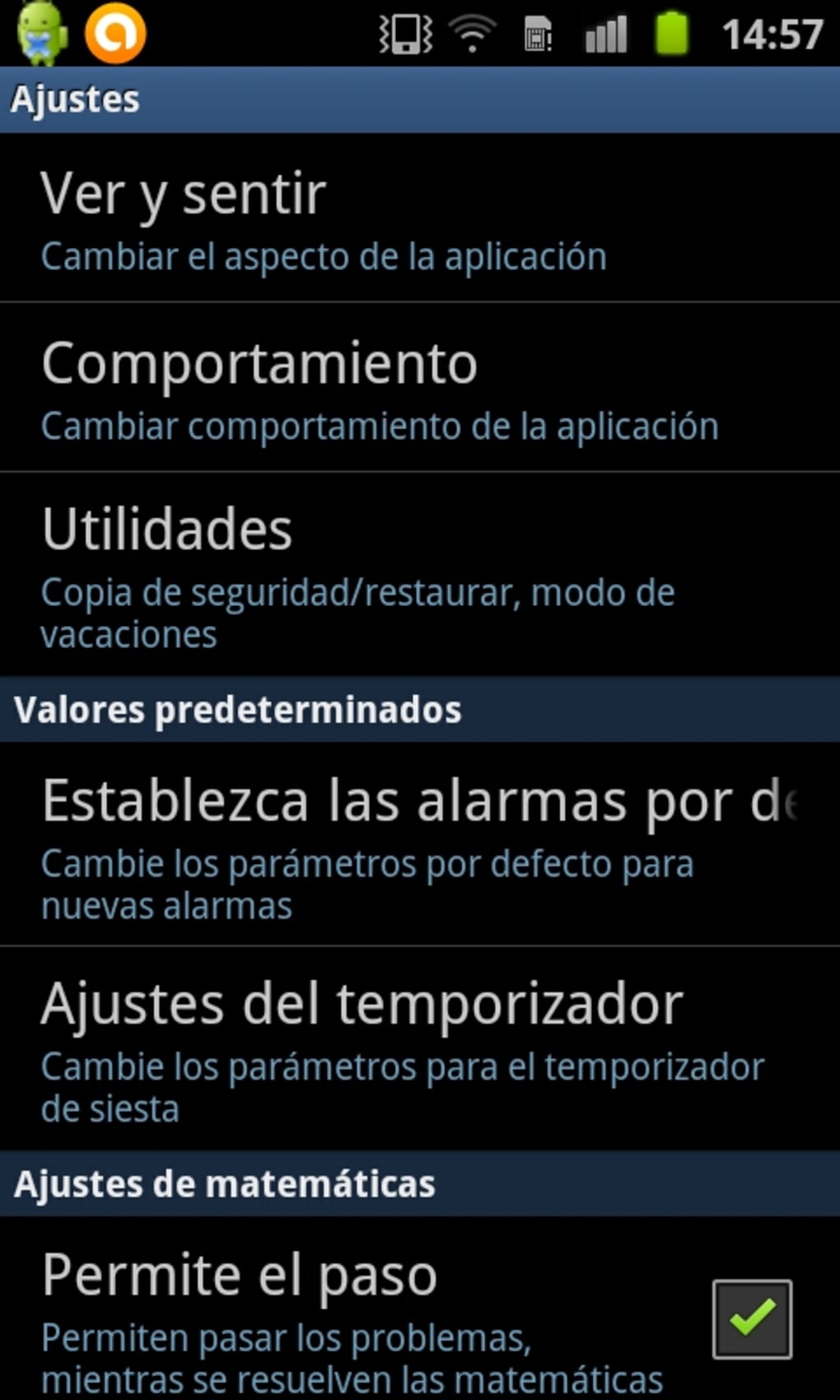
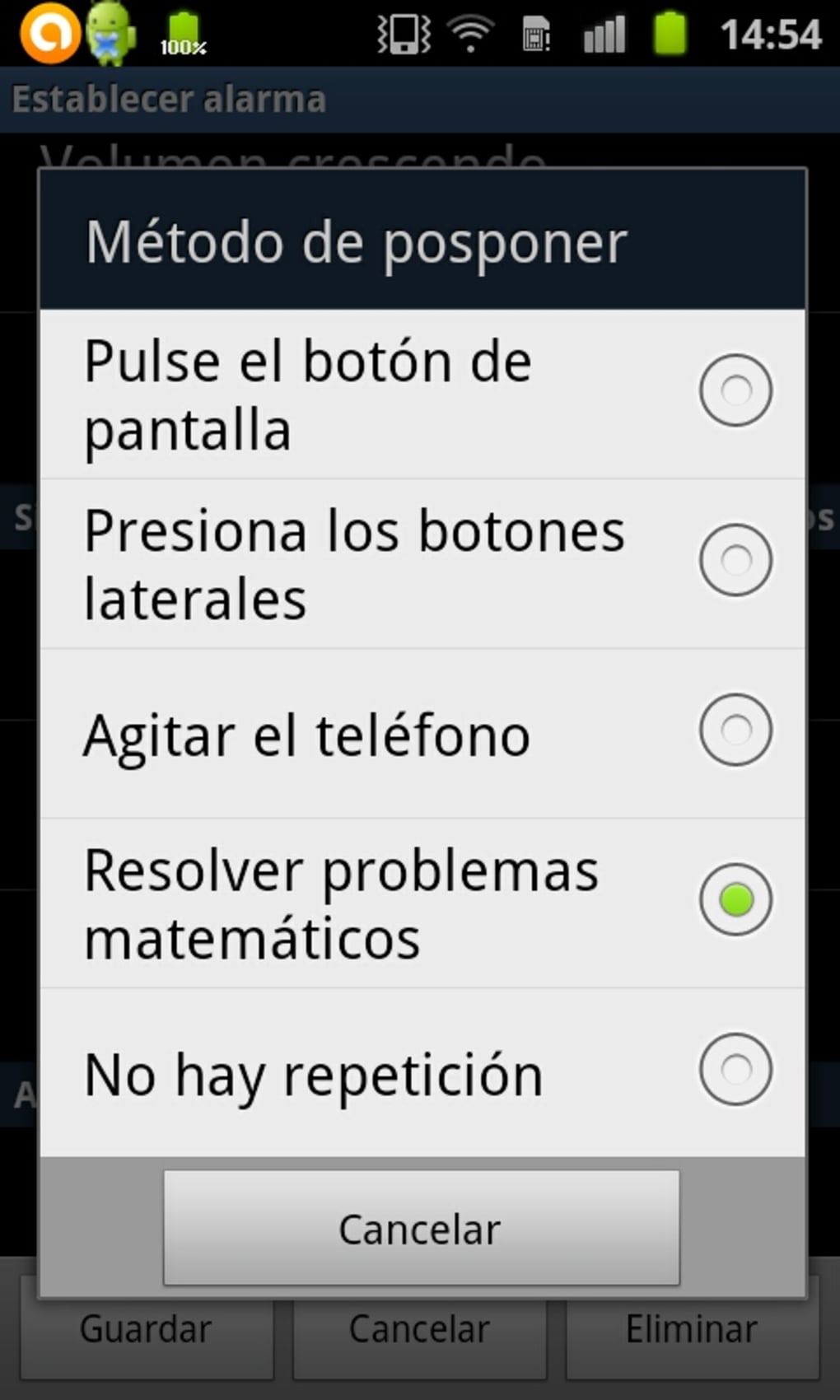
- Highly Customizable Interface – Users can adjust visual and auditory settings to match their preferences, enhancing personalization.
- Ad-Free Experience – The app is described as free of advertisements, ensuring uninterrupted use during critical alerts.
These features allow users to create a tailored time management system. For example, a user might assign a distinct ringtone to work-related alarms and a gentle chime for morning wake-up calls. The timer can be used during workouts to track intervals, while event-specific reminders help prevent missed appointments. Customization extends to notification behavior, enabling users to control how and when alerts appear. The app’s flexibility supports both routine and irregular scheduling needs. While the software does not specify integration with calendar apps or cloud services, its standalone functionality may appeal to users who prefer minimal dependencies. The ability to set multiple alarms and reminders simultaneously enhances its utility for multitasking individuals.
User Interface, Workflow & Performance
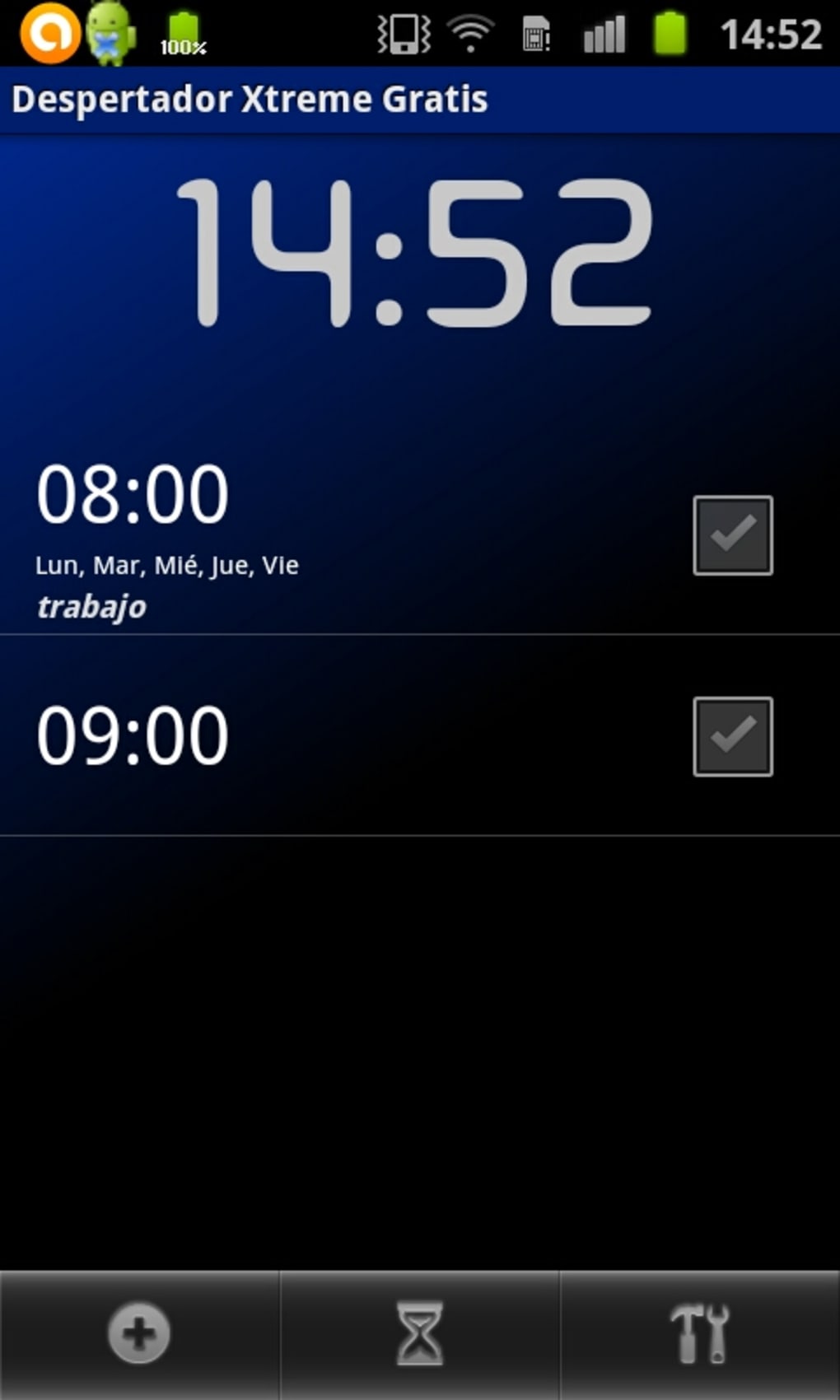
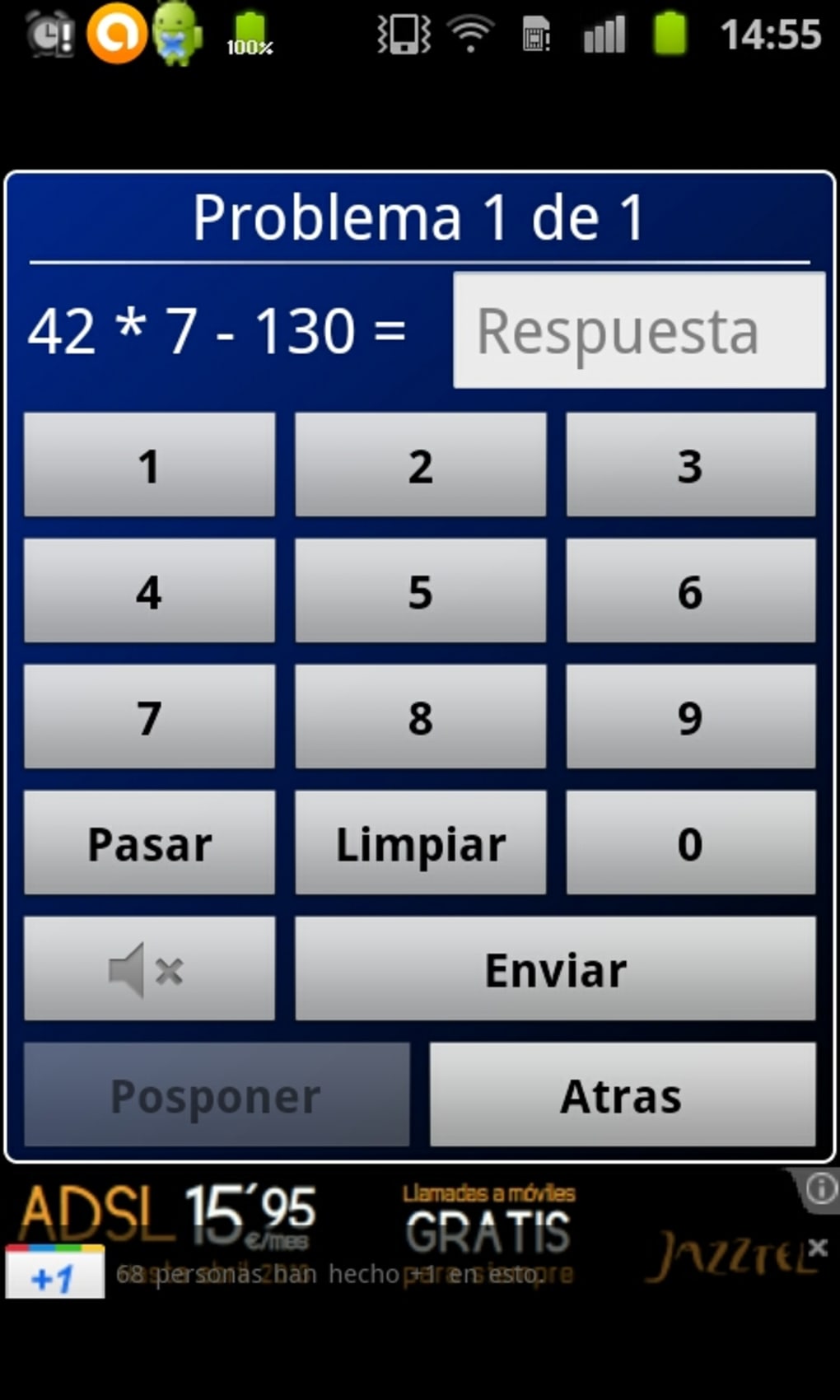
The application features a clean and intuitive interface, designed for ease of navigation and quick access to core functions. Users can manage alarms, timers, and reminders through a centralized dashboard with clearly labeled sections. Navigation is straightforward, relying on tab-based or swipe-driven layouts common in Android apps. The workflow prioritizes efficiency, allowing users to set or modify alarms with minimal taps. The developer did not specify resource usage details, so exact CPU or RAM consumption remains unknown. Performance observations are based on general software behavior patterns, indicating that the app likely operates smoothly on standard Android devices. Stability is not explicitly confirmed, but the absence of ads may contribute to a more consistent user experience. The app’s lightweight design suggests it does not impose significant system overhead. However, exact performance data, background behavior, or battery impact were not provided. Users are advised to monitor app performance on their specific device.
Compatibility & System Requirements
Alarm Clock Xtreme Alarm Reminders Timer Free is designed for Android devices and is available on the Google Play Store. The software version and specific OS compatibility details were not listed. Installation size is not specified, nor are any hardware requirements. The developer did not provide information about minimum screen resolution, processor speed, or memory capacity. Compatibility information is limited to the platform, with no confirmation of support for tablets, wearables, or other devices. Users should verify compatibility with their specific Android model before installation. The app’s availability on the Google Play Store suggests it meets basic Android compatibility standards, but detailed system requirements remain unclear. The developer did not disclose whether the app supports Android versions older than the current release.
Pros and Cons
Pros
- Free to download and use with no in-app purchases
- Ad-free environment ensures uninterrupted alerts
- Highly customizable alarm and notification settings
- Supports multiple alarm types and event-specific reminders
- Simple, clean interface suitable for all user levels
Cons
- No information on system requirements or device compatibility
- Performance and resource usage details not disclosed
- Limited to Android platform; no desktop or cross-device support
- No integration with calendar or cloud services mentioned
- Exact file size and version number not provided
FAQ Section
Is Alarm Clock Xtreme compatible with all Android devices?
The app is available on the Google Play Store, but specific compatibility details were not provided. Users should check their device’s Android version and available storage before installation.
Is the app safe to download and use?
As a free app from the Google Play Store, it is distributed through an official platform with security checks. However, no independent security audit or certification was mentioned.
Does the app require an internet connection?
The app functions primarily offline, enabling alarms and timers without an active connection. However, updates and future features may require internet access.
Can I use this app on my desktop computer?
Currently, the app is designed exclusively for Android devices. There is no confirmed desktop or PC software version available.
Is the license type free for personal use?
Yes, the app is described as free and ad-free, with no mention of paid features or restrictions for personal use.
Final Thoughts + CTA
Alarm Clock Xtreme Alarm Reminders Timer Free presents a straightforward, customizable solution for Android users seeking reliable time management tools. Its clean interface, ad-free design, and support for multiple alarm types make it a practical choice for daily routines. While detailed system specifications and performance data are unavailable, the app’s focus on usability and personalization stands out. It is best suited for individuals who value simplicity, customization, and uninterrupted alerting without added costs. The lack of desktop compatibility limits its reach, but for mobile users, it delivers a solid experience. For those in need of a dependable, free alarm and reminder tool on Android, this app is a strong contender. Download Alarm Clock Xtreme Alarm Reminders Timer Free now.
Guides & Tutorials for Alarm Clock Xtreme Alarm Reminders Timer Free
How to install Alarm Clock Xtreme Alarm Reminders Timer Free
- Click the Preview / Download button above.
- Once redirected, accept the terms and click Install.
- Wait for the Alarm Clock Xtreme Alarm Reminders Timer Free download to finish on your device.
How to use Alarm Clock Xtreme Alarm Reminders Timer Free
This software is primarily used for its core features described above. Open the app after installation to explore its capabilities.
User Reviews for Alarm Clock Xtreme Alarm Reminders Timer Free 0
No reviews found





